
Big-screen entertainment.
Your way.
A 4K media player built around straightforward setup, flexible connectivity and useful storage options.
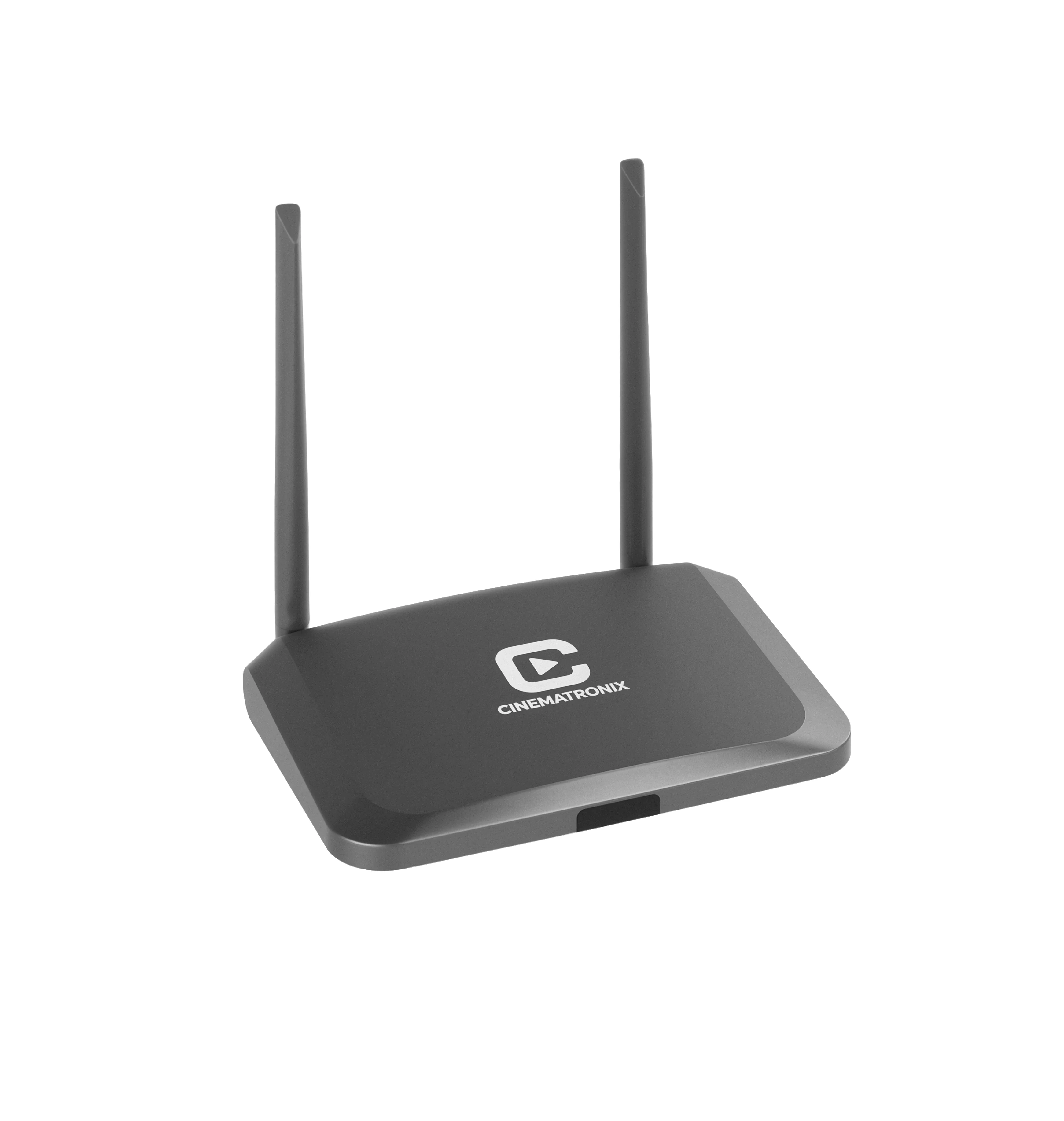
Get to know your setup.
Explore the S3 Pro player, port layout, remote and packaging. Select a photo to view it larger.
Angled view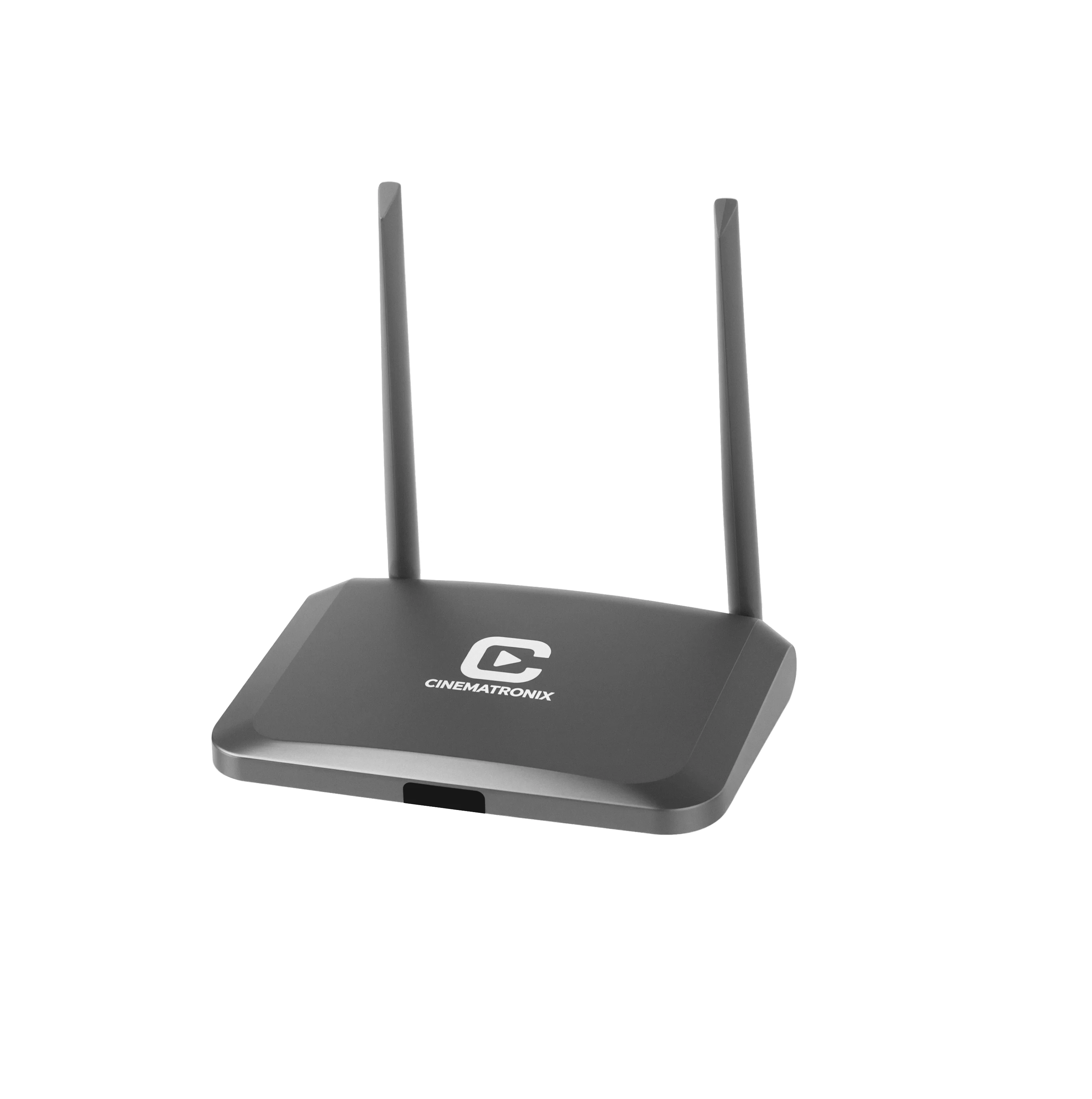 Top view
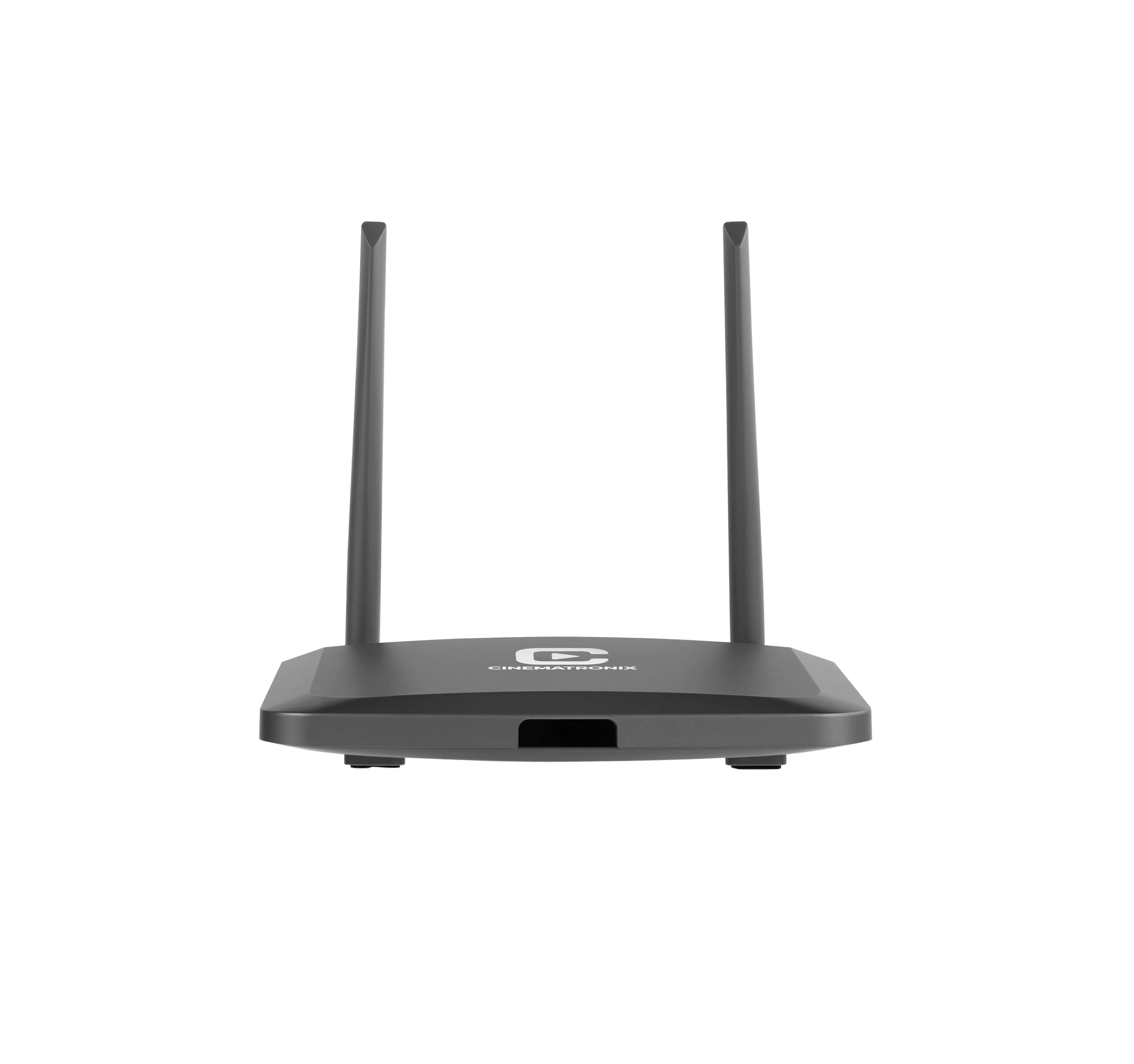 Front view
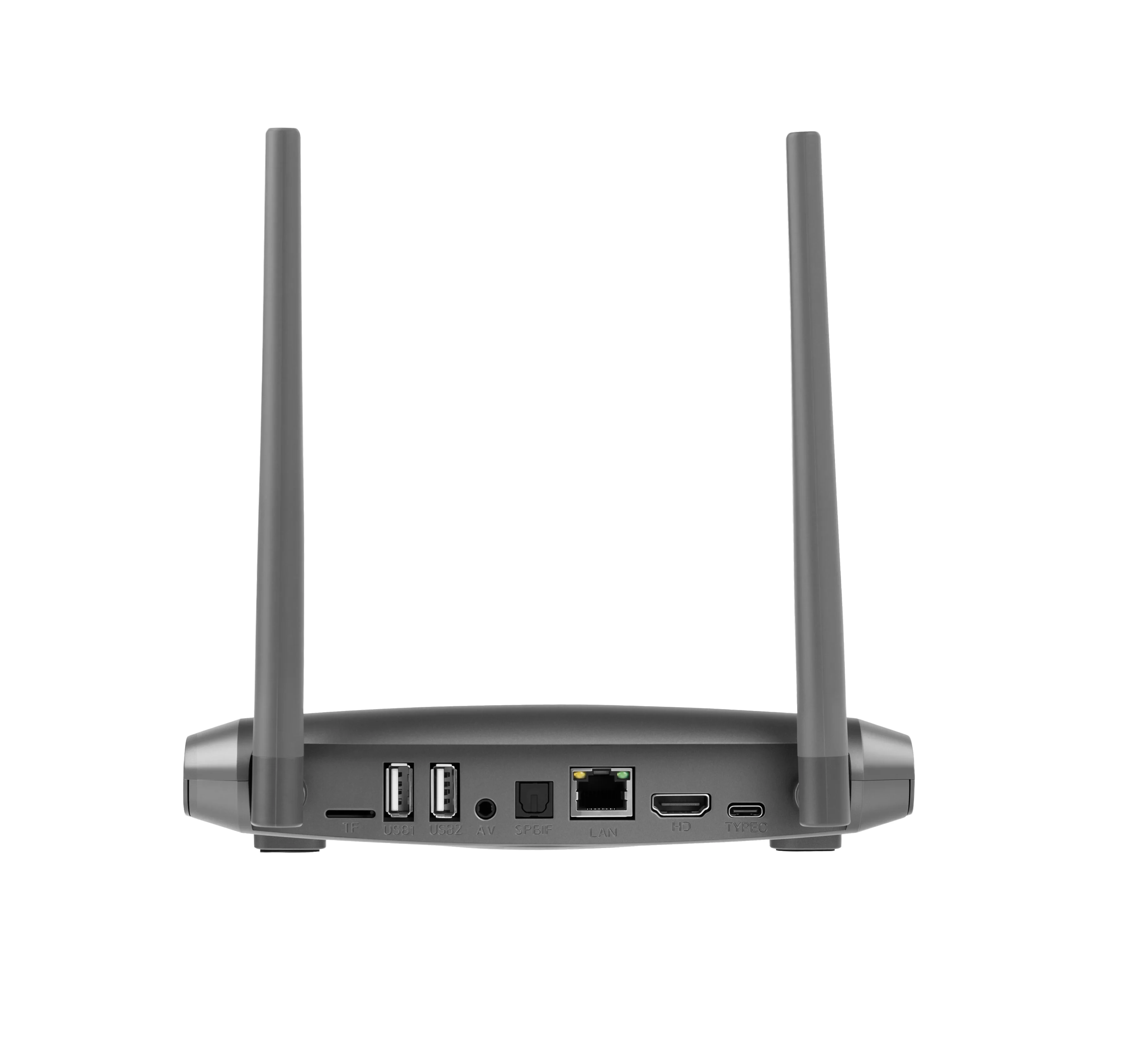 Connection ports
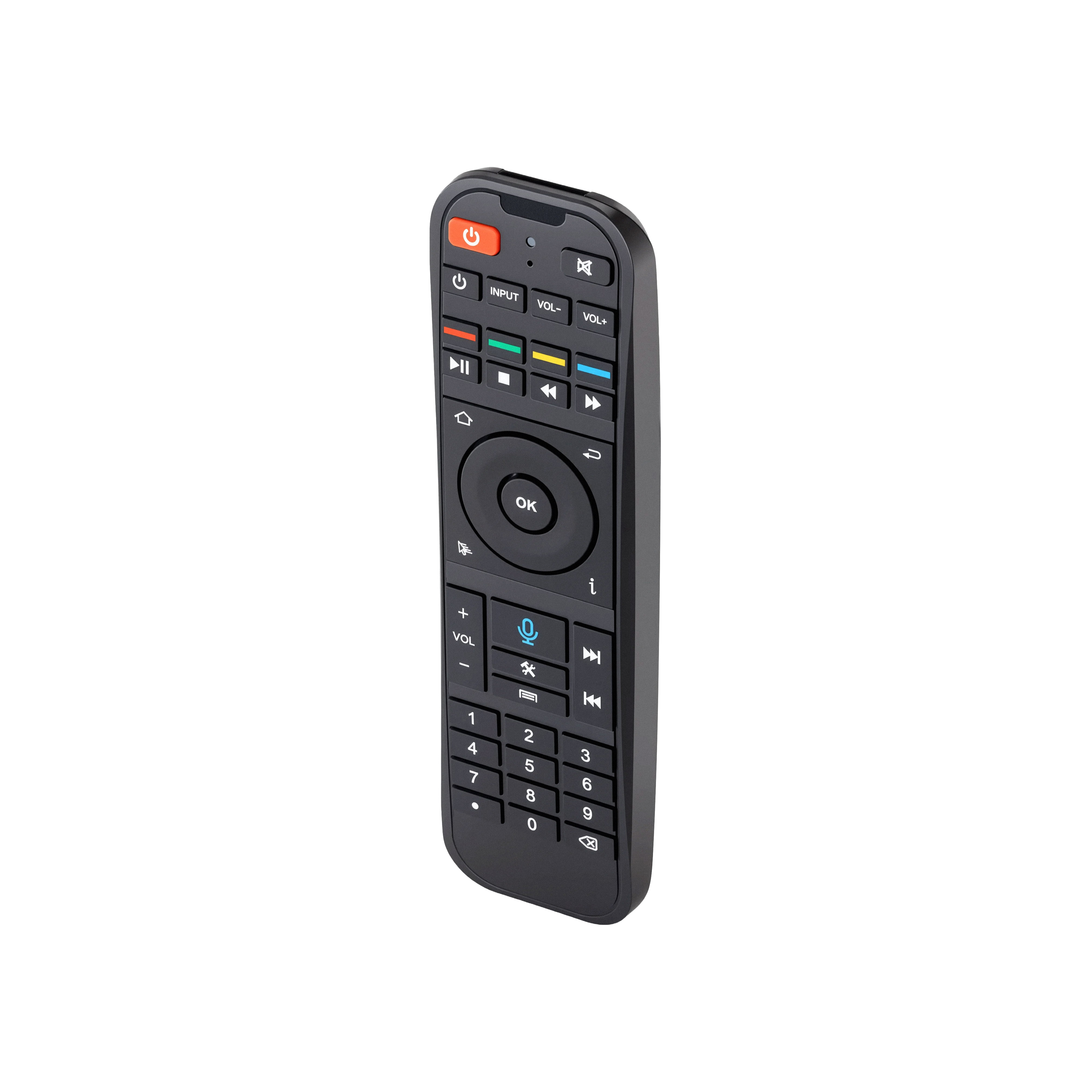 Remote control
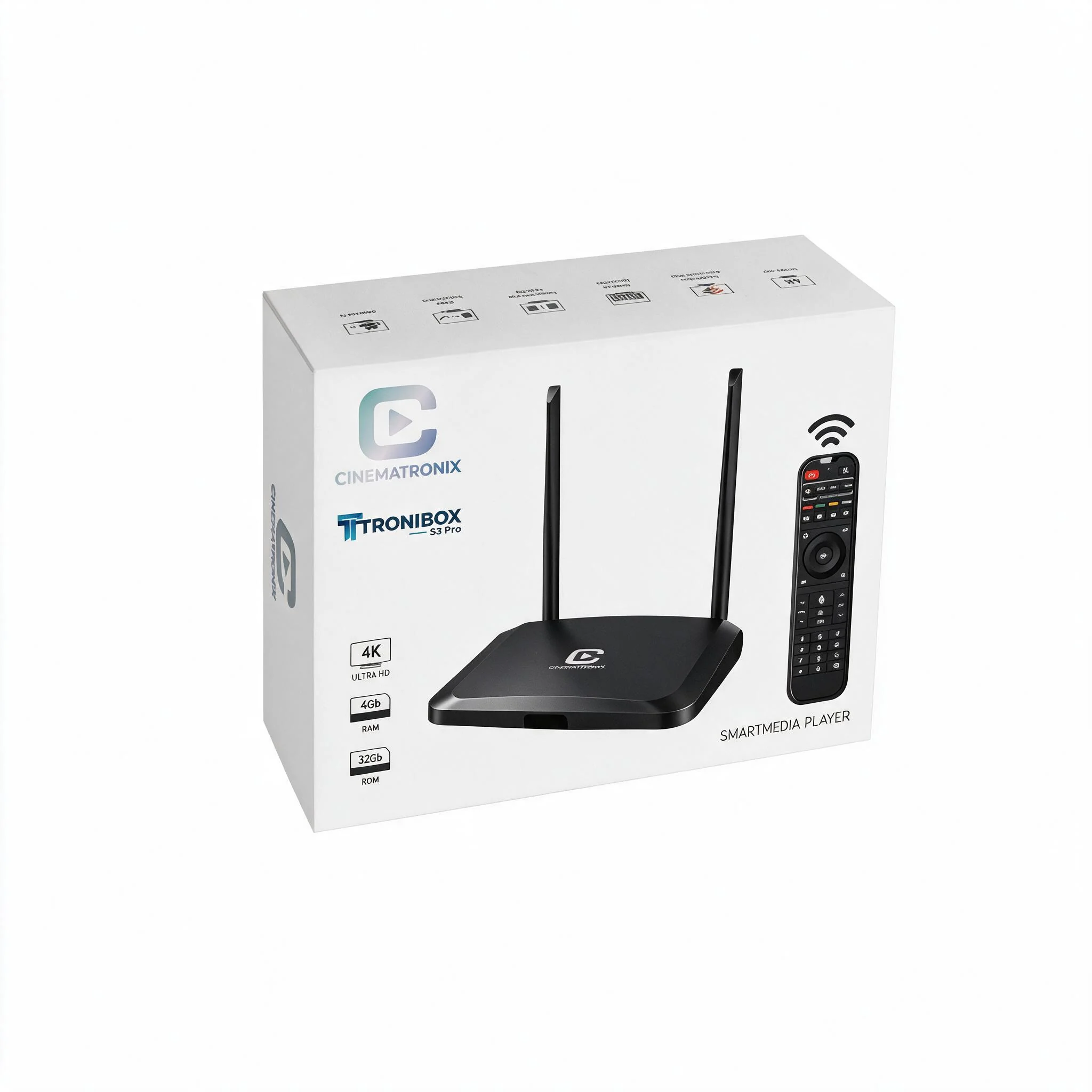
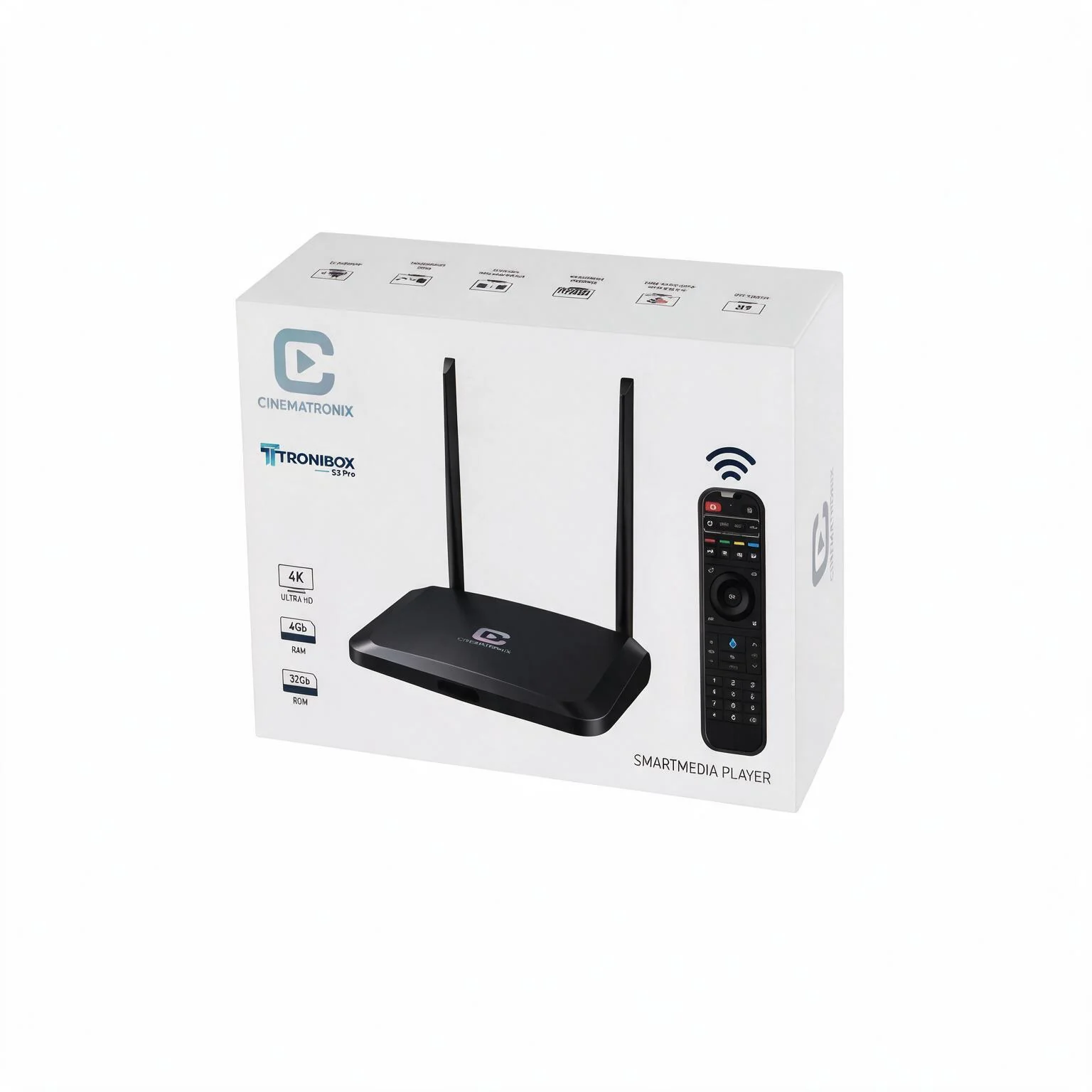 Retail packaging
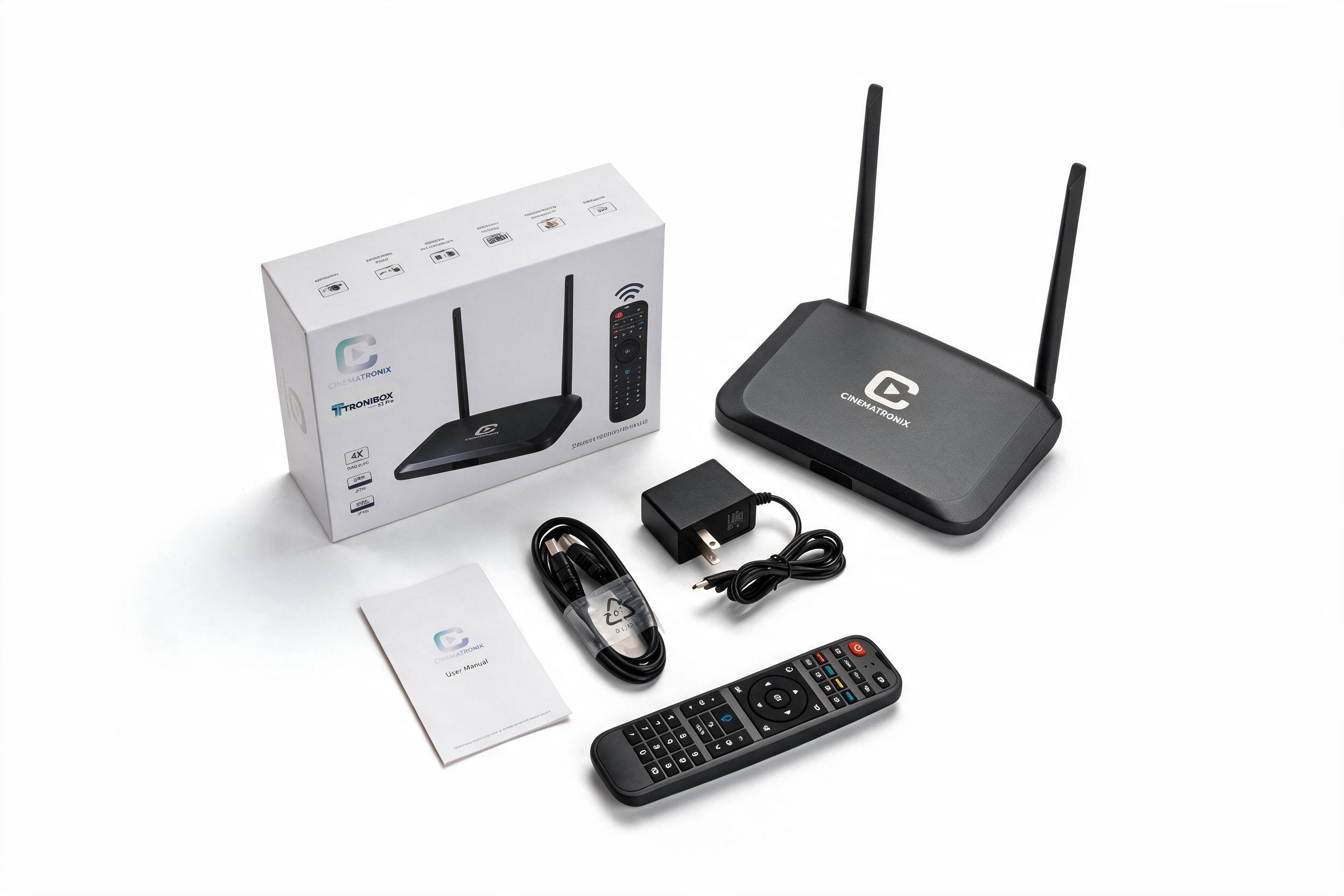
 Package and accessories
The details
that matter.
Hardware and connection information from the supplied S3 Pro specification sheet. Please confirm regional and retail configurations before publishing final packaging or listings.
See Setup Instructions ↗Application availability, playback resolution and protected content access depend on the app, region, certification, account, network and source. An advertised 4K output capability does not guarantee 4K playback in every app.
| Model | TRONIBOX S3 Pro |
|---|---|
| Operating system | Android TV 11 |
| Main chipset | Amlogic S905Y4, ARM Cortex-A55 quad-core 64-bit, up to 2.0GHz |
| GPU | Mali-G31 MP2 |
| Memory | 4GB LPDDR4 RAM |
| Internal storage | 32GB eMMC 5.1 |
| Expandable storage | MicroSD slot, up to 2TB (card sold separately) |
| Video output | Up to 4K at 60fps over HDMI; compatible display and source required |
| Video codecs | AV1, H.265, H.264, VP9, MPEG-1/2/4 (format support may vary) |
| Wireless | Dual-band Wi-Fi 6 (2.4GHz / 5GHz) |
| Bluetooth | Bluetooth 5.4 |
| Ethernet | RJ45 10/100Mbps |
| USB | 2 × USB 3.0 Type-A |
| Other ports | HDMI, USB Type-C power input, 3.5mm combo jack, S/PDIF optical, MicroSD |
| Power | 5V / 2A Type-C power input |
Ready for your
living room.
Standard package contents listed in the supplied product specification. Final package contents may vary by market or production batch.
- TRONIBOX S3 Pro media player × 1
- Bluetooth voice remote control × 1
- HDMI high-speed cable × 1
- Type-C 5V / 2A power adapter × 1
- Quick start manual × 1
 TRONIBOX S3 PRO
S3 Pro FAQs
Practical answers before you connect your device.
Will every streaming app play in 4K?
Not necessarily. 4K output describes the device's video output capability. Playback resolution and access depend on the individual app, DRM and device certification, region, account, content source and display. Check the requirements of the services you plan to use before purchase.
Can I connect the S3 Pro using Ethernet?
Yes. The listed hardware includes an RJ45 10/100Mbps Ethernet port, as well as dual-band Wi-Fi 6. Use the connection that best suits your home network.
Can I expand the storage?
The supplied specification lists a MicroSD slot supporting cards up to 2TB, plus two USB 3.0 ports for compatible storage and peripherals. Card formats and external-drive compatibility may vary.
What do I need to get started?
A compatible TV with an HDMI input, a power outlet and an internet connection. Follow the connection diagram and on-screen instructions in the setup guide ↗.
Where can retailers ask about distribution?
Visit the Business page ↗to contact our sales team directly by phone or email.