
One App, More to Explore
Discover live entertainment, movies, and shows in one easy-to-navigate place.
A smarter way to bring your entertainment setup together. Meet TRONIBOX S3 Pro — a thoughtfully equipped 4K media player made for the living room you love.
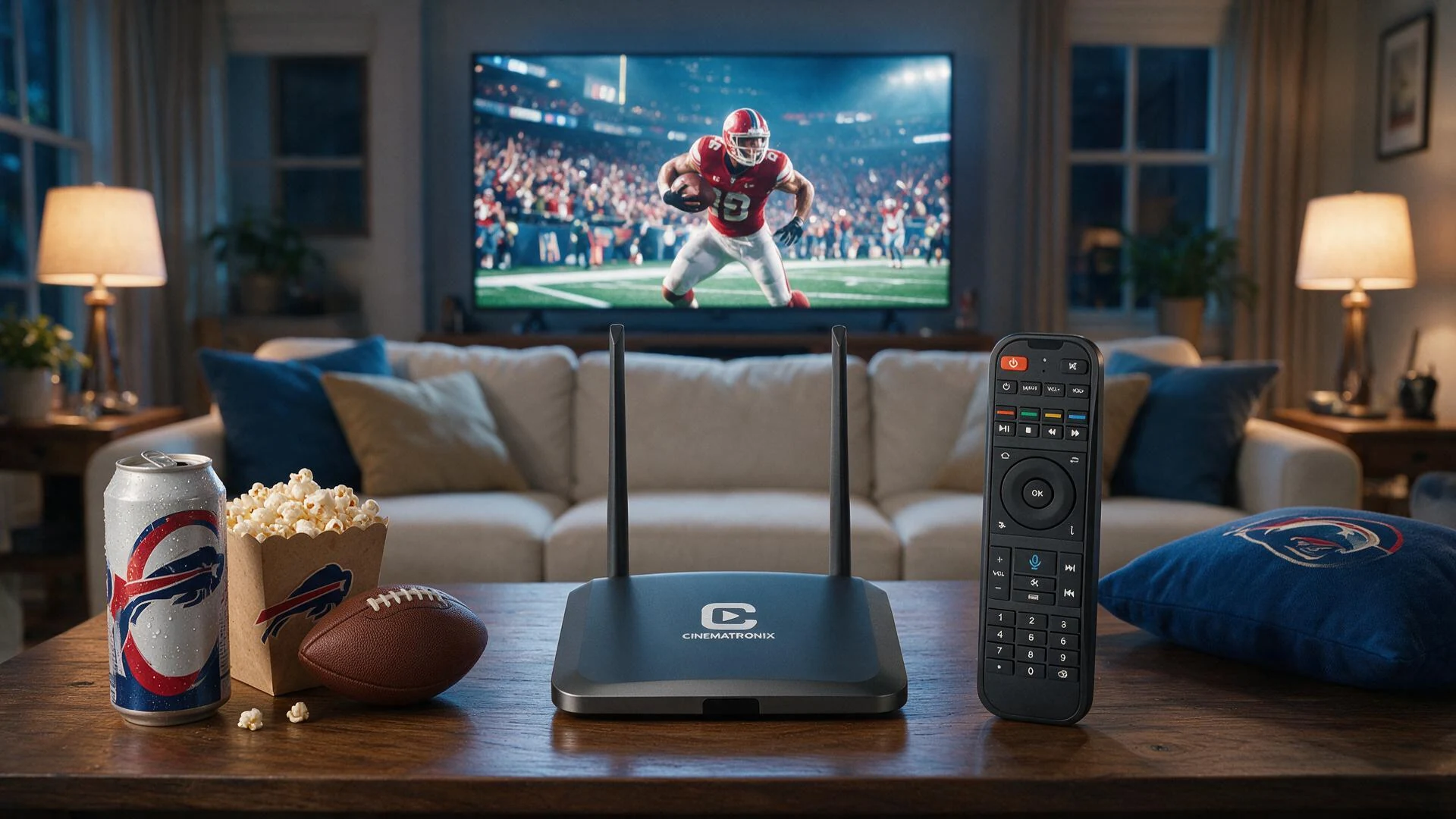
Discover live entertainment, movies, and shows—all in one app. More to explore, easier to enjoy, with no any fees.
Discover live entertainment, movies, and shows in one easy-to-navigate place.
Browse a wide range of entertainment and choose what to watch whenever the moment feels right.
Enjoy a simple, streamlined viewing experience designed for relaxed nights in and everyday entertainment.
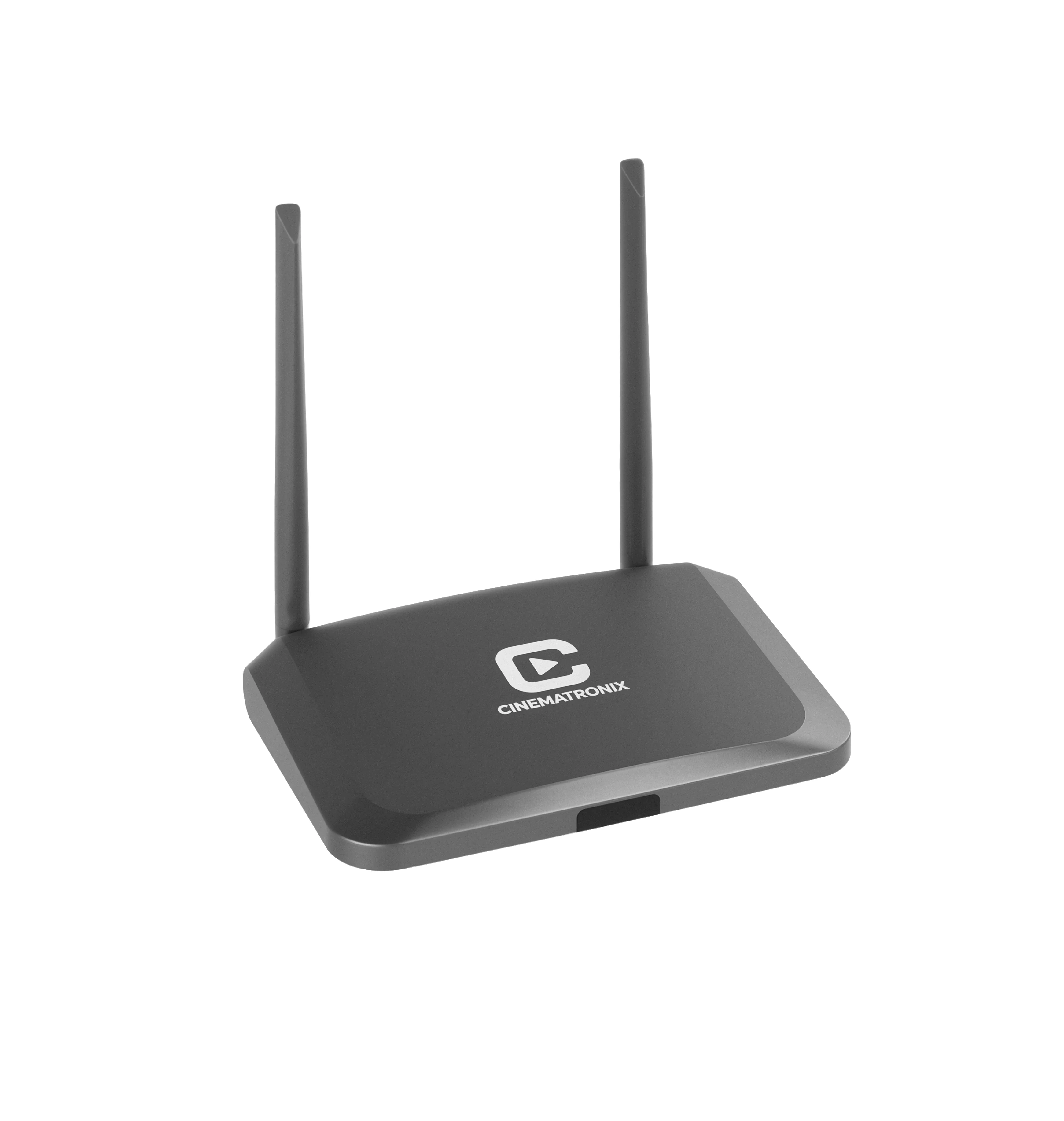 CINEMATRONIX / TRONIBOX
TRONIBOX S3 Pro combines a quad-core Amlogic S905Y4 processor, Android TV 11, Wi-Fi 6 and practical connection options in a compact form.
Published specifications should be confirmed against your final retail configuration.
Start with the physical connections, connect to your network, and follow the on-screen prompts. Our guide walks you through the basics.
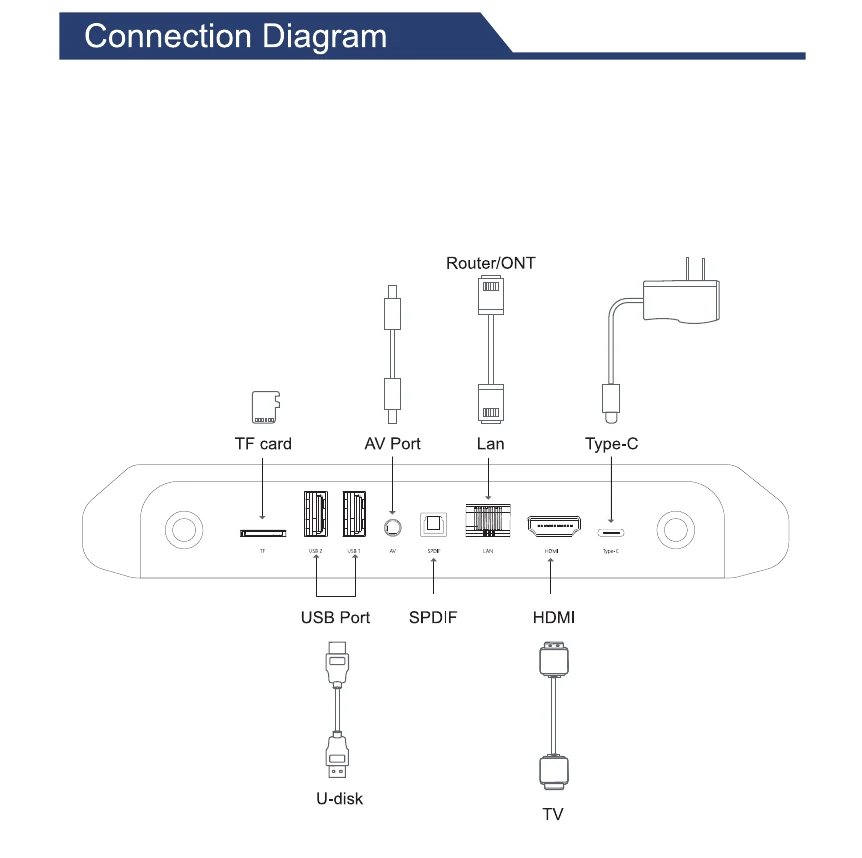
Use the included HDMI cable and power adapter. Choose Wi-Fi or connect an Ethernet cable.
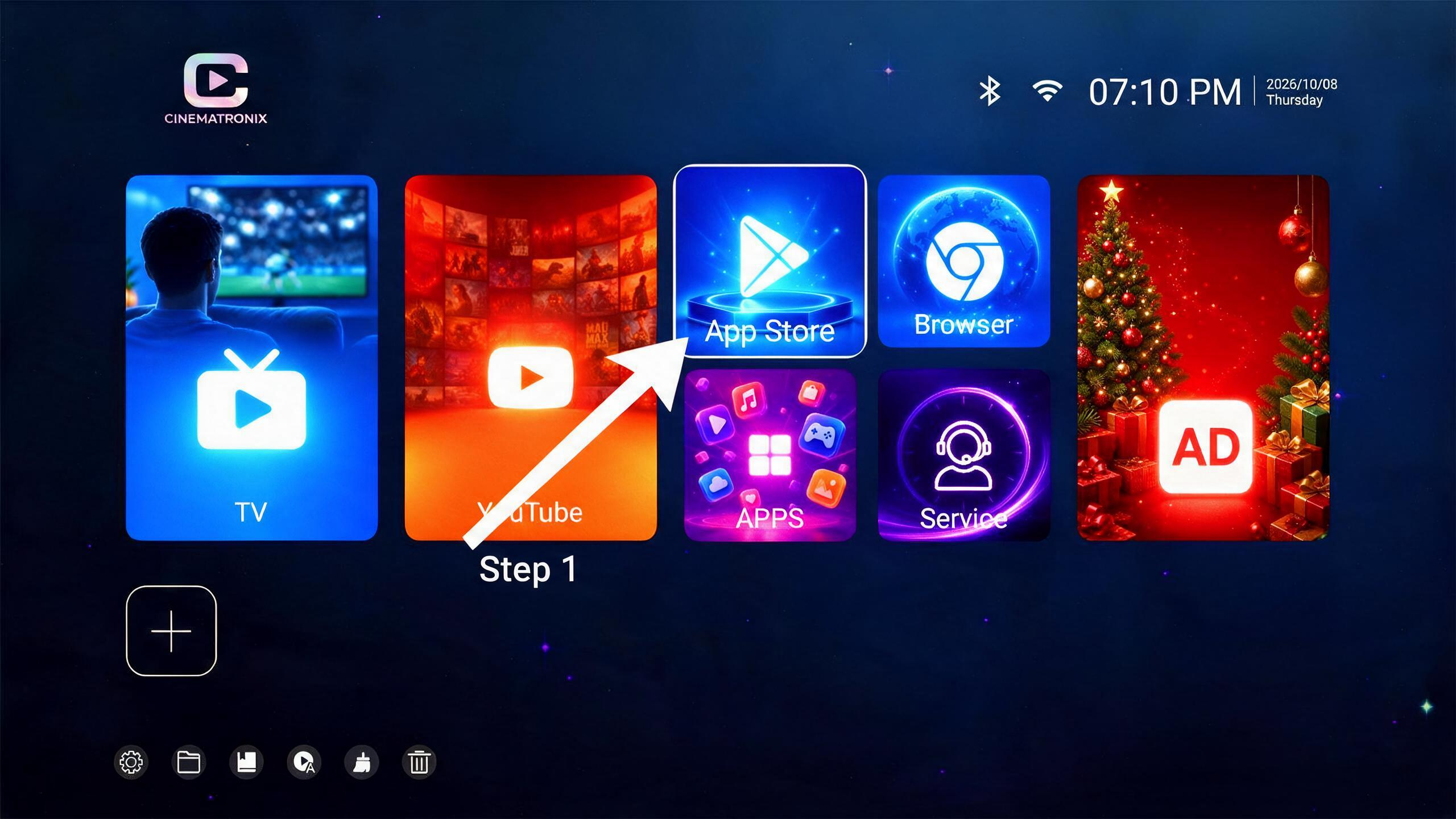
Use the remote to navigate the home screen and open the app section.
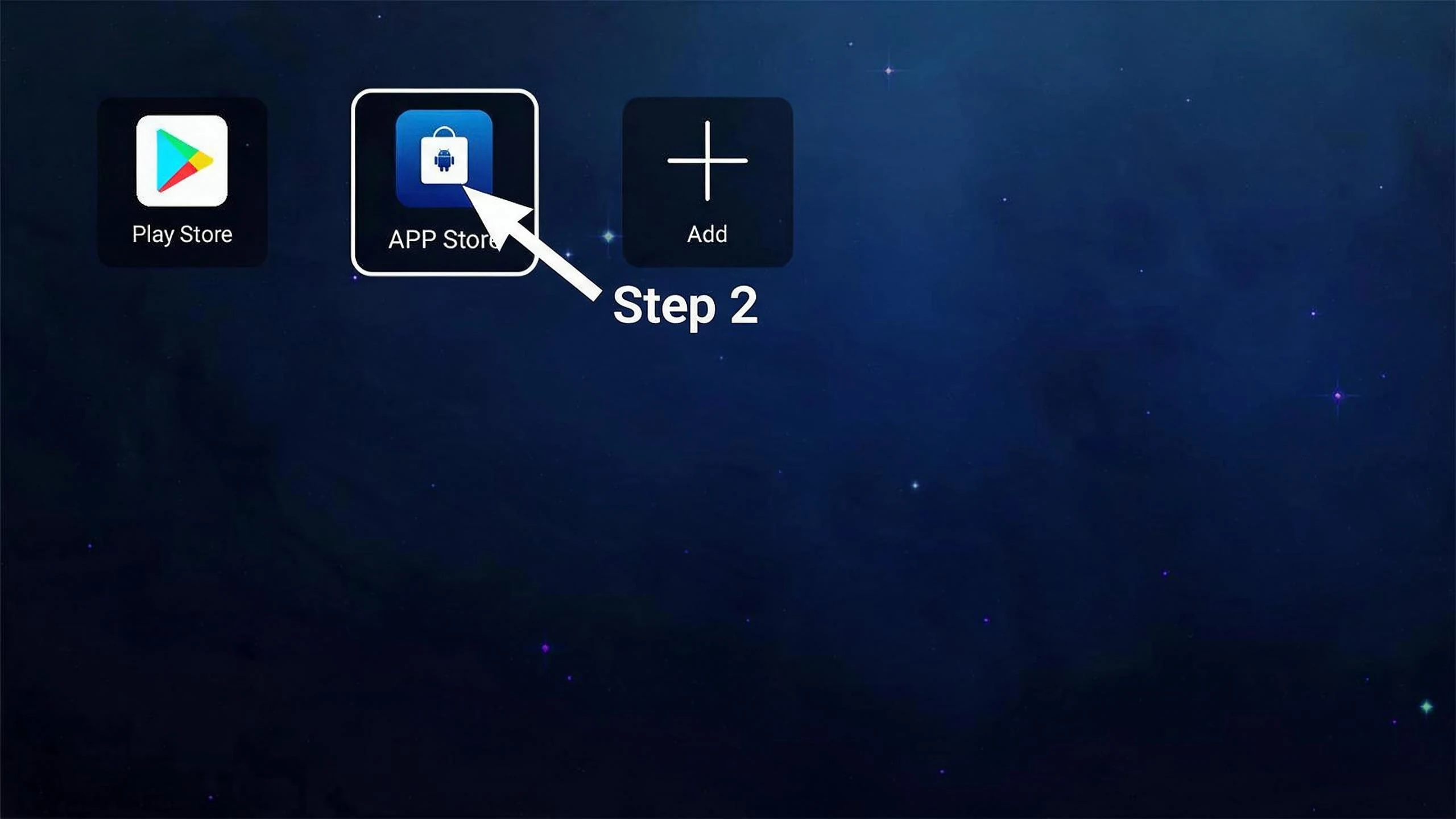
Review the available options and use only apps and services supported in your region.
Interested in carrying TRONIBOX products or discussing regional distribution? Contact our sales team directly — no lengthy inquiry form.
Explore the product, or get help with your setup.